How to Ace a Video Interview in 2026: The Complete Preparation Guide
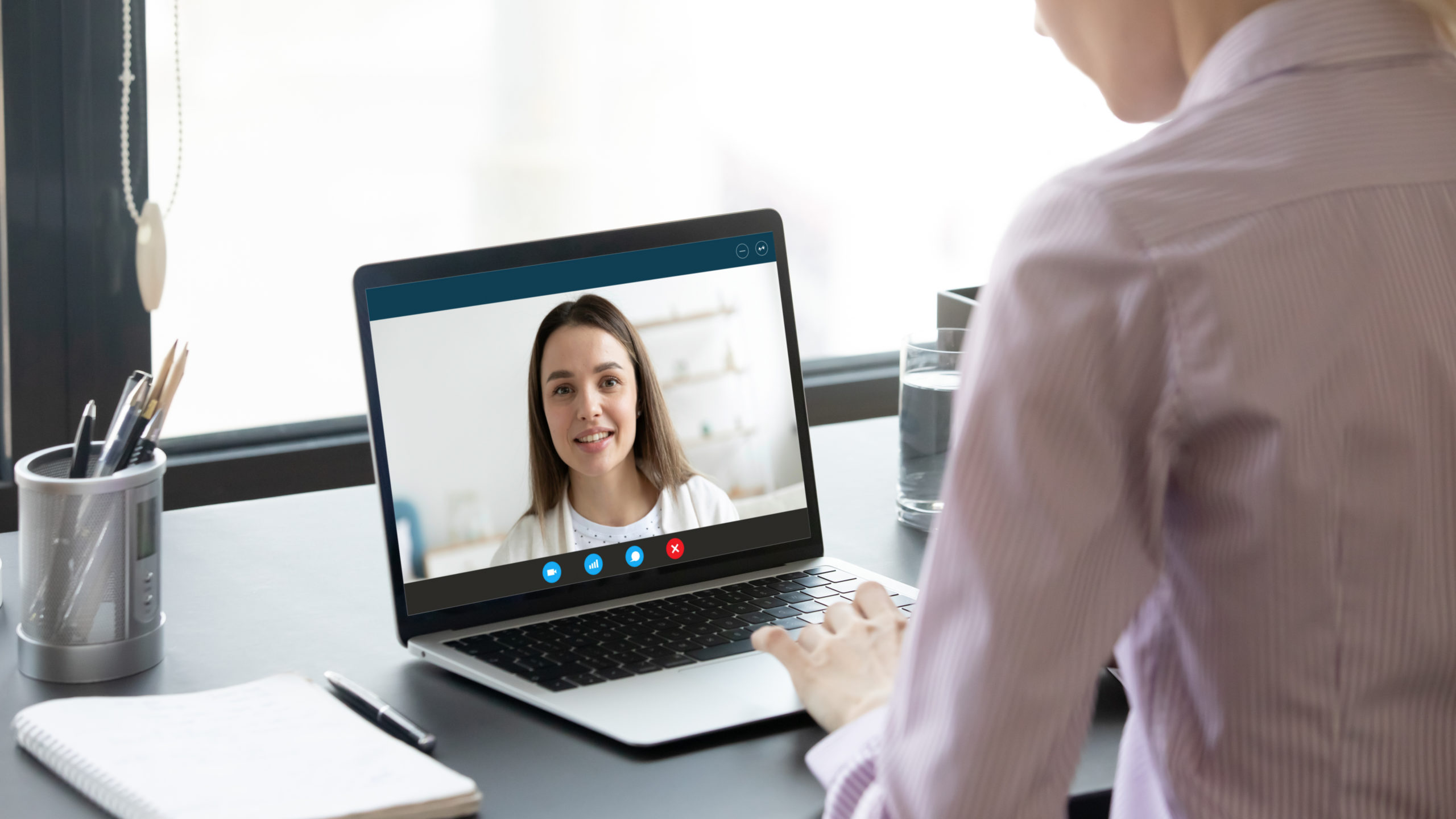
The video interview has graduated from being an emergency substitute for in-person meetings — which is how most people first encountered it during the pandemic — to being the dominant format for first and second round interviews at companies of all sizes globally. In 2026, most candidates will have their careers shaped in significant part by how well they perform on a screen, in a room alone, talking to someone they have never met in person.
This shift is permanent. Remote and hybrid work have normalised remote communication across organisations. Hiring managers are comfortable making judgments about candidates from video interactions. Candidates who are uncomfortable with the format, who are underprepared for its specific demands, or who treat it as a lesser version of a "real" interview consistently underperform relative to their actual ability. The video interview is not easier than an in-person interview — it is different, with different demands, different pitfalls, and different opportunities. Understanding those differences is what this guide is about.
We will cover everything: the technical setup that eliminates avoidable problems, the presentation choices that work on camera versus those that work in person, the specific challenges of the most commonly used platforms (Zoom, Teams, Google Meet, HireVue), the body language considerations that are unique to video, the special demands of asynchronous one-way video interviews, and the specific mistakes that candidates make in video interviews that cost them offers they should have won. We will also cover the preparation process in detail — how to practise effectively, how to handle technical problems during the interview, and how to follow up in a way that reinforces the impression you made.
Why Video Interviews Are Harder Than They Look
Most candidates enter their first video interview having assumed that the main challenge is the same as any interview — answering questions well. This assumption costs them significantly, because video interviews have several specific challenges that purely in-person interviews do not:
The camera creates a performance anxiety that is different from in-person anxiety. Many people who are comfortable in one-on-one conversations become self-conscious on camera in ways they do not fully anticipate. Seeing your own face in the corner of the screen while trying to think and speak simultaneously is cognitively distracting. Knowing that you are being recorded — or at least that the interaction is digitally mediated — changes how self-aware you feel in ways that can derail fluency and naturalness.
Technical problems introduce a variable that in-person interviews do not have. A frozen screen, an audio dropout, a barking dog, a notification sound, an internet glitch — any of these can interrupt the flow of an answer at the worst possible moment. Candidates who have not prepared for technical contingencies often handle these disruptions poorly, which compounds the problem.
Non-verbal communication is significantly reduced. In person, your full body communicates — posture, hand gestures, the naturalness of your movements, the way you lean in when you are engaged. On video, most of this disappears. What remains is your face, the fraction of your upper body that appears on screen, and your voice. The same enthusiasm and engagement that is obvious in a room can feel flat and distant on a camera. Compensating for this reduction requires deliberate adjustment.
Eye contact works differently. In person, eye contact means looking at the other person's eyes. On a video call, looking at the other person's face on your screen means your eyes are directed slightly downward from the camera — which reads as not making eye contact to the person on the other end. True video eye contact means looking at the camera lens, not at the screen. This feels unnatural at first because you are looking away from the face of the person you are talking to, but it is the only way to create the experience of eye contact for the other person.
Silence and pacing feel different. In person, a moment of thoughtful silence before answering a question reads as considered and composed. On video, the same silence can feel awkward because of the slight uncertainty about whether there is a connection problem or whether you are about to speak. Managing the transitions between listening, thinking, and speaking requires slightly different timing on video than in person.
The Technical Setup: Eliminating Avoidable Problems Before They Happen
The most reliable candidates in video interviews are not those who deal with technical problems gracefully — they are the ones who have prepared carefully enough that technical problems do not arise. Most technical problems in video interviews are preventable with thirty minutes of preparation the day before.
Internet Connection
Your internet connection is the foundation of everything else. A wired ethernet connection is more stable than WiFi, particularly if your WiFi is shared with other users or if your distance from the router is significant. If a wired connection is not possible, ensure you are as close to your router as practical and that no other intensive internet use (streaming, large downloads) is happening on the network during your interview.
Test your connection speed before any important interview using fast.com or speedtest.net. For video calls with reasonable quality, you need at minimum 5Mbps upload speed, though 10Mbps or above will ensure smooth, consistent video quality. If your connection regularly drops below this, speak to your internet provider or consider a mobile hotspot backup as insurance for important calls.
Camera
The most important camera adjustment is position. Your camera should be at eye level — not below eye level looking up at you (which creates an unflattering angle that makes you look larger and less composed) and not above eye level looking down at you (which makes you look smaller). If your laptop camera is below eye level when the laptop is on a desk, raise the laptop on books, a box, or a laptop stand until the camera is approximately at the height of your eyes when you are sitting normally.
Ensure your face is well-lit. The light source should be in front of you, not behind you. A bright window behind you will silhouette your face and make it very difficult to read your expression — which significantly damages the connection you are trying to build. If natural light is not available from the front, a desk lamp positioned to one side of your camera provides adequate fill light. A ring light placed directly around or near the camera produces the most flattering and even lighting and is worth the modest investment if you expect to do multiple video interviews.
Check your background. What appears behind you on camera matters more than candidates typically realise. A clean, neutral background — a plain wall, a tidy bookshelf, an organised workspace — communicates attention to detail and professional standards. A chaotic, cluttered, or distracting background creates a different impression. Virtual backgrounds are an option but tend to look artificial in movement, occasionally glitch in ways that are more distracting than a slightly imperfect real background, and can create the impression that you are hiding something rather than just organising your environment.
Microphone and Audio
As covered in the remote work guide, a dedicated USB microphone produces dramatically better audio than a laptop's built-in microphone. If you are investing in any single piece of interview equipment beyond what you already have, a USB microphone is the highest-return option. The difference in audio quality between a built-in laptop microphone and a basic USB microphone is immediately noticeable to the person on the other end of the call, and better audio is directly correlated with clearer communication and reduced listener fatigue.
Regardless of your microphone, eliminate background noise before the interview. Close windows if there is traffic noise. Put pets in another room. Turn off anything that generates unpredictable sound. Alert anyone sharing your space that you are in an important call and need quiet. If you are in a shared space where background noise cannot be eliminated, consider noise-cancelling headphones or a platform like Krisp that uses AI to filter background noise in real time.
Platform Testing
The day before your interview, test the specific platform you will be using — not just your equipment, but the platform itself. Open the link or application. Check your camera and microphone settings within the platform. Verify that the video quality is acceptable and that your audio is coming through clearly. Familiarise yourself with the controls: where the mute button is, how to share your screen if that becomes relevant, where the chat function is, how to leave the call when it ends.
Small platform-specific surprises — an unfamiliar interface, a settings prompt you have not seen before — are disproportionately distracting when you are already managing interview nerves. Eliminating them through preparation allows you to focus entirely on the conversation itself.
The Day-Before Checklist
- Test internet connection speed — above 10Mbps upload preferred
- Open the video platform and test camera and microphone in the platform's settings
- Check camera position — eye level, face filling centre frame
- Check lighting — light source in front, no backlight
- Check background — tidy and professional or neutral
- Close all unnecessary applications and browser tabs that will not be needed
- Turn off desktop notifications (Mac: Do Not Disturb; Windows: Focus Assist)
- Silence your phone and place it out of sight
- Have water on your desk — not visible in the frame, but accessible
- Have a notepad and pen nearby for notes during the call
- Ensure your environment will be quiet during the interview
Presentation: What Works on Camera
How you present yourself on camera — clothing, grooming, posture, expression — contributes to the impression you create in ways that deserve deliberate thought, not because appearance substitutes for substance, but because professional presentation signals that you take the interaction seriously and understand what professional standards require.
Clothing
Dress for a video interview the same way you would dress for an in-person interview at the same company — or perhaps one level above what you think is the minimum. The pandemic-era norm of dressing professionally from the waist up while wearing pyjamas below frame has entered company culture as a joke, but it reflects a real tendency to under-dress for video interviews that professional candidates should avoid.
Certain clothing choices work particularly well or particularly poorly on camera. Solid colours in medium tones — navy, grey, burgundy, olive — tend to photograph well and avoid the visual noise created by busy patterns. Very bright whites can create exposure problems under some lighting conditions. Highly patterned clothing — fine stripes, small checks, complex prints — can create a visual effect called moiré on camera that is distracting without being obviously explainable to the viewer. When in doubt, a solid mid-tone is the reliable choice.
What you wear from the waist up is visible; what you wear below is not. But dress fully anyway. There is a psychological component to how you dress — feeling properly prepared and professional in your entire appearance affects how you carry yourself and how you speak in ways that matter. The person who is dressed professionally and the person who is dressed only from the chest up conduct themselves differently, even if the camera cannot see the difference.
Posture and Body Language
Sit up straight throughout the interview. Not rigid or tense — composed and attentive. The tendency to slump slightly when you are concentrating on formulating an answer is natural but reads very differently on camera than it feels from the inside. A slumped posture on video communicates disinterest or fatigue even when neither is true.
Slightly leaning forward when the other person is speaking, and when you are making a point you care about, communicates engagement and enthusiasm. This mirrors the natural body language signal of interest that works in person — it just needs to be more deliberate on video because the scale at which it is visible is smaller.
Use your hands naturally, but be aware that excessive hand gestures can be distracting when they move in and out of the camera frame. If you are someone who talks with your hands significantly, practice speaking in front of a camera until you find a version of that natural expressiveness that works within the frame.
Eye Contact — The Camera Lens Rule
Look at the camera lens when you are speaking, and look at the person's face on your screen when they are speaking. This requires practice because it is somewhat counterintuitive — you are making "eye contact" with a small lens rather than with a face. But it creates the experience of genuine eye contact for the person on the other end, which is qualitatively important for connection and trust-building in a video interview.
One practical way to make this easier: position the video call window directly below your camera. This way, the distance between where you are looking when watching their face and where the camera is becomes minimal, and the shift from watching to speaking creates less obviously directional head movement.
Expression and Energy
Video calls reduce the apparent energy and expressiveness of most people by approximately 30%. Whatever feels like the right level of enthusiasm and engagement in person needs to be somewhat amplified on camera to come across equivalently. This does not mean performing false enthusiasm — it means being conscious that the dampening effect of the medium exists and compensating for it deliberately.
Smile when it is natural to smile. React visibly when something is interesting or funny. Allow your face to show the genuine engagement you feel with the conversation. The flat, composed expression that might read as professional calm in person reads as disinterest or discomfort on camera.
The One-Way Video Interview: HireVue and Asynchronous Platforms
An increasing number of organisations use asynchronous one-way video interview platforms — HireVue, Spark Hire, myInterview, and others — particularly for initial screening. In these interviews, you record your responses to questions on your own, without another person present. The recordings are then reviewed by a recruiter or hiring manager, sometimes with AI-assisted analysis supplementing human review.
The one-way video interview is one of the most consistently anxiety-inducing interview formats for candidates, and understanding why helps address it effectively. The absence of another person eliminates the social feedback that normally regulates how we present ourselves. There is no nod of encouragement when you make a good point, no facial cue that lets you know your answer is running too long, no conversational warmth that helps you find your rhythm. You are speaking to a camera that gives you nothing back.
How to Prepare for One-Way Video Interviews
Record practice responses to common questions — the same preparation you would do for any interview — but specifically on camera, on your own, without an audience. The goal is to become comfortable with the specific experience of performing for a camera in silence. This takes genuine practice and most candidates do significantly fewer practice recordings than would be helpful.
Watch your practice recordings critically. What is your pacing? Do you speak too quickly when nervous? Do you have filler words (um, uh, like, you know) that appear frequently? Is your eye contact consistently directed at the camera? Is your energy level appropriate? Watching yourself on video is uncomfortable — that discomfort is exactly why it is valuable preparation.
Most one-way platforms give you a specific time limit per answer — often between 90 seconds and three minutes. Practice answering within these constraints. Being able to deliver a complete, substantive answer in two minutes requires genuine practice with the timing. Answers that run over the time limit are cut off, which is jarring and wasteful.
Many platforms also give you a limited number of retakes — sometimes none, sometimes two or three. Knowing this in advance and preparing accordingly is important. If you have retakes available, use them for answers where you clearly lost your train of thought or where a technical problem interrupted you — not for answers that were merely imperfect. An authentic, slightly imperfect answer is better than a technically smooth answer that sounds over-rehearsed.
The AI Analysis Reality
Some HireVue implementations use AI analysis that evaluates factors including vocabulary, sentence structure, and facial expression patterns. This is worth knowing about but should not change your approach significantly. The most effective strategy for AI-analysed one-way interviews is exactly the same as for human-reviewed ones: be clear, be specific, be genuine, and demonstrate the competencies the role requires. Attempts to game AI analysis with specific vocabulary patterns or artificially manipulated expression are both ineffective and likely to produce a worse outcome than simply responding authentically and well.
Handling Technical Problems During the Interview
Despite all preparation, technical problems sometimes occur. How you handle them matters both practically and as a signal of your composure and problem-solving under pressure.
If you experience a technical problem during the interview, acknowledge it calmly and immediately: "I'm sorry — I think there's been an audio issue on my end. Could I try that response again?" or "I've lost your video for a moment — let me check my connection." Speaking about technical problems naturally and without visible panic demonstrates the kind of composure that employers value.
If the problem is persistent and cannot be resolved within a minute or two, suggest a practical solution: "I'm having persistent issues with my connection. Would it be possible to continue via phone call while I sort the technical issue, or should we reschedule for a time when I can ensure a more stable setup?" Most interviewers will appreciate the directness and the consideration for their time.
What not to do: pretend the problem is not happening and struggle through a compromised interview. A rescheduled interview where you perform well is far better for your candidacy than a completed interview where technical problems prevented you from communicating clearly.
The Major Platforms: What to Know About Each
Zoom
The most widely used video interview platform. Key things to know: you do not need a paid Zoom account to join a meeting as a guest — only the host needs the paid version. The host can see whether participants' video and audio are enabled. There is a 40-minute limit on free Zoom meetings with more than two participants — if you are the host and using the free tier, be aware of this. Touch Up My Appearance is a built-in feature that can soften video quality slightly; some people find it helpful, others find it unnatural. Virtual backgrounds work better with a dedicated green screen backdrop than without one.
Microsoft Teams
Increasingly common at enterprise companies. Functions similarly to Zoom for basic video calling. Requires installation of the Teams application for the best experience, though web browser access is available. Meeting recordings are available to the host. The background blur feature works well and is less artificial-looking than many virtual backgrounds.
Google Meet
Browser-based by default, which is convenient. Works well on Chrome. The visual noise suppression feature is generally effective. If invited to a Google Meet, you can join directly in your browser without any installation, which reduces the preparation overhead.
HireVue
The dominant one-way video interview platform. Tests usually involve five to eight questions, with set time limits per response and limited retakes. Requires a stable internet connection and good lighting. The AI analysis feature assesses verbal and non-verbal communication patterns. Complete the required system check before starting — HireVue provides this as part of the setup flow and it tests your camera, microphone, and connection quality.
Following Up After a Video Interview
The follow-up after a video interview follows the same principles as any other interview format — send a thank-you email within 24 hours to the interviewer or the contact who arranged the interview. Keep it brief. Reference one specific thing from the conversation that you found particularly interesting or that reinforced your enthusiasm for the role. Reaffirm your interest clearly.
The thank-you email after a video interview serves a specific additional purpose that is worth being conscious of: it demonstrates that your professional communication in writing is as strong as your performance on screen. Some hiring managers explicitly note that how a candidate writes in follow-up communication contributes to their overall assessment. The bar is not high — a clear, warm, professionally written paragraph is all that is required — but meeting it confidently is better than not meeting it at all.
Putting It All Together: The Interview Day Process
On the day of your interview, give yourself significantly more buffer time than you think you need. Close all unnecessary applications on your computer. Run through the day-before checklist one more time. Have your research notes and any questions you planned to ask visible but out of camera view — a printed sheet or notes on a tablet to your side allows you to glance at them naturally without the camera seeing you reading from a screen.
Join the meeting five minutes before the scheduled start time. Not fifteen minutes early — five. Being in the waiting room five minutes before shows punctuality without the slightly excessive quality of being fifteen minutes early for a video call.
Take a breath before the interview starts. The transition from waiting alone to suddenly being in a video call with someone who is evaluating you is abrupt in a way that in-person interviews are not — you have been sitting alone, and then immediately you are performing. A deliberate breath before you enter the meeting, a moment of intentional composure, sets the right starting state.
During the interview, remember that the technical excellence of your setup, the professionalism of your presentation, and the naturalness of your on-camera presence are all in service of one thing: having a genuine, substantive conversation about whether you and this role and this organisation are a good fit for each other. The setup is the foundation. The conversation is the thing.
Looking for roles that offer video-first or remote interview processes? Browse verified entry-level opportunities at Job Foundry Hub.

Expert career coach and recruitment specialist with over 15 years of experience helping recent graduates land their dream jobs.